
What you can do
For restaurants, cafés and other venues that want to manage their menu in one place and make it available at the table.
- Share a menu with a QR code
- Update dishes and prices
- Offer your menu in several languages
What guests see at the table
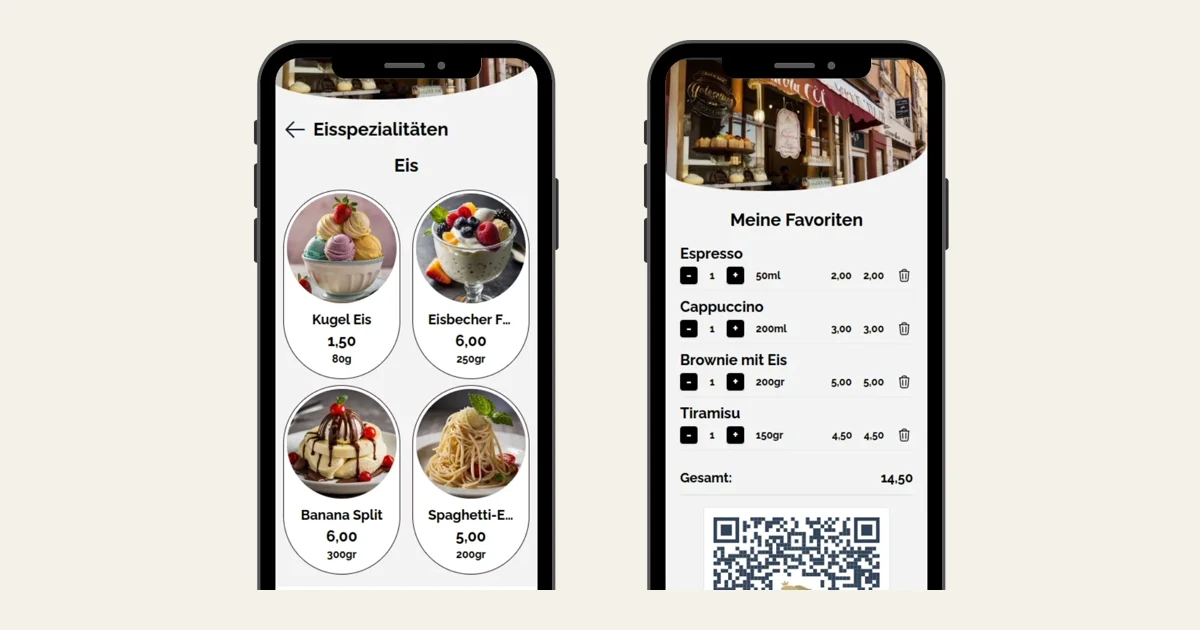
The menu opens in the phone’s browser. These screens show the dishes and favourites view from Auronda’s product site.
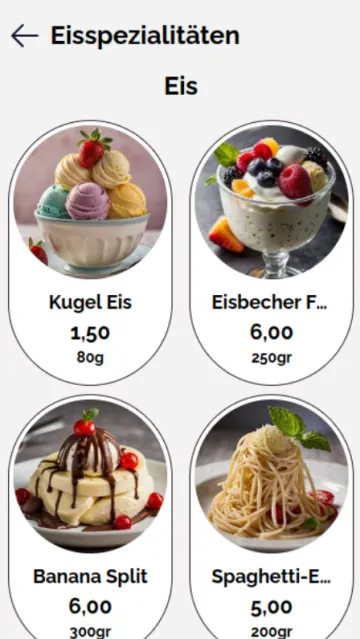
Dishes, categories and prices
Guests browse by category and see the photos, prices and portions the venue has published.
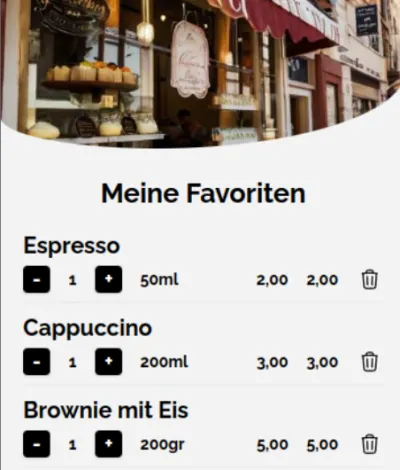
Dishes saved as favourites
Guests can keep their selections in a list and show it to staff when ordering.
How you update the menu
A venue can edit its menu in the editor, and guests open the current version on their phones.
Build the menu
Pick a template, group dishes and add descriptions, photos and prices.
Put the QR code on the table
Download the menu’s QR code and place it where guests can scan it.
Update the offering
When a dish or price changes, edit the online menu. Guests can browse in the languages you have added.